No two businesses are exactly the same — and their point of sale (POS) systems shouldn’t be either. At POS Nation, we’re dedicated to matching specialty retailers with the industry-specific tools they need to thrive.

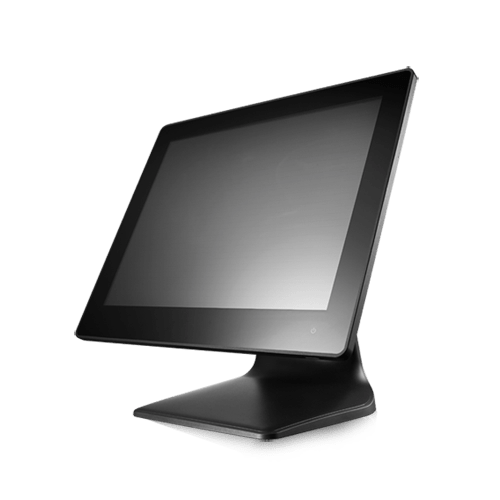
There are many POS providers out there, all of them with different strengths and weaknesses. Here are the basics: A POS system consists of hardware (e.g., touchscreen, barcode scanners) and software that’s used to track inventory, manage employees, and ring up customers.
The software is generally where POS systems differ the most, but any point of sale you consider should have a few basic features.

Inventory management and tracking
Payment processing
Employee management
Vendor management
Customizable touchscreen layout
Flexible pricing and promotions
Sales tracking and reports

Food retail has some unique challenges, including tracking weight-based and perishable inventory, selling homemade items, and managing multiple departments. Markt POS is an intuitive, but powerful POS system that simplifies fresh food sales.
Easily create flexible, custom SKUs to track any kind of item, whether it’s produce, meat, hot food, or standard UPCs.
Connect Markt POS with popular scanner scales, deli scales, barcode scanners, and more for simplified system setup and weight-based sales.
Enjoy using a system built by grocers, for grocers — with industry-specific inventory management, margin-based pricing, department tracking, and simplified promotional pricing.
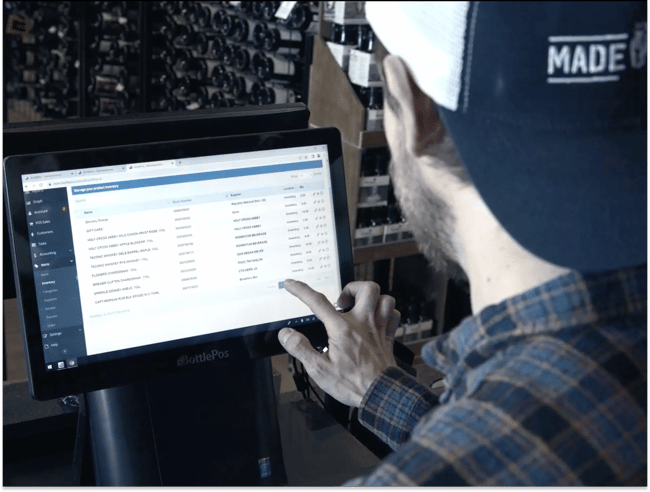
If you primarily sell alcohol, you not only have to deal with thousands of unique SKUs and product variants, but you also need industry-specific compliance features to protect your business. Bottle POS was founded by an Atlanta-based liquor store owner and built to streamline invoicing, product management, and compliance.
Take the guesswork out of liquor law compliance with barcode ID scanning, detailed inventory and sales records, integrated register-level webcams, and accurate tax rate settings based on product category or location.
Track unlimited SKUs and consolidate product variants (e.g., a single entry for cases and individual bottles) for easier inventory tracking. Populate purchase orders based on sales history and update against an invoice, or scan in paper invoices using the AI-assisted auto PO feature.
Set promotional pricing on the backend, sign up customers to your loyalty program at the point of sale, and send compliant text message marketing to reach more customers.
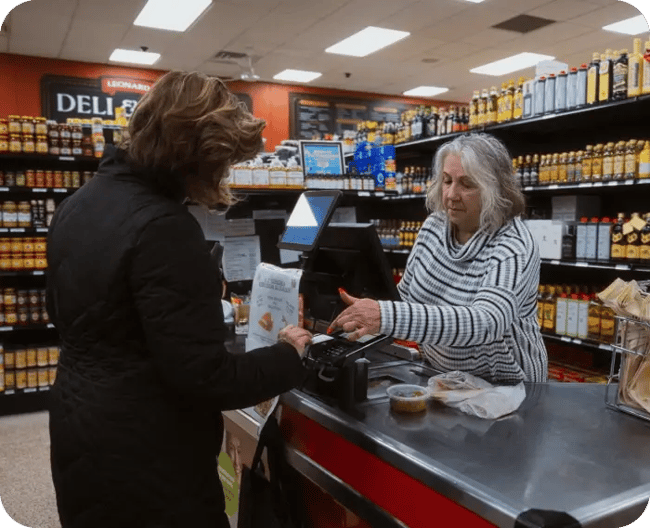
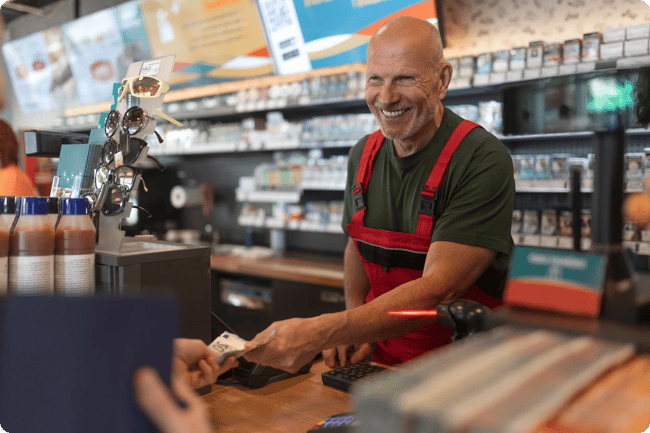
Small convenience stores and bodegas are neighborhood favorites, but running them can be a challenge. With a mix of product types, including age-restricted items and lotto sales, c-stores need specialty solutions.
Set up specific rules and product tracking for lotto tickets, scratchers, liquor, and tobacco products.
Clock in right at the point of sale, manage calendars with built-in scheduling, and set custom permissions to keep your store secure.
Use prebuilt and custom reports to get detailed sales insights so you can make better, more confident buying decisions.
Tobacco retailers can have a tough time finding a reliable POS system and, in a worst-case scenario, will get dropped by payment processors without warning. Cigars POS is a provider that works only with smoke shops, cigar lounges, vape shops, and other tobacco retailers to keep their businesses running smoothly.
Track unlimited UPCs, consolidate product variants like carton-pack or different manufacturer UPCs, add product notes (e.g., tasting notes, wrapper type), and set product-specific pricing rules (e.g., minimum pricing, tax rates, etc).
Keep your store secure with ID scanning, detailed inventory reports, and accurate sales tax calculations. Take advantage of manufacturer discounts with built-in scan data reporting.
Customize a customer loyalty program that fits your business, from tiered memberships to points systems — and track customer sales history for segmented marketing and personalized service.
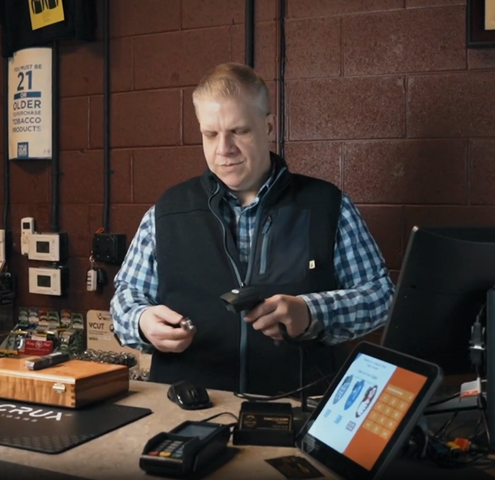
Cell phone retail and repair stores must keep a close track of their customer’s service and device history, warranties, and more. CellSmart POS is a specialty solution that includes work order management, serialized inventory, and parts inventory.
Track serialized and standard inventory, protect your business with integrated IMEI verification, and match parts inventory to work orders for more accurate quotes.
Simplify repairs and work orders with automated customer notifications, photo documentation, parts management, and digital signature capture.
Keep detailed customer records across any number of channels and locations for improved customer service and targeted upsell offers.

Whether you’re a hardware store, garden center, clothing store, or a general retailer, Comcash has a flexible solution that fits a wide range of use cases.
Manage your store’s finances with retail-focused tools that track daily deposits, vendor payments, and more – giving you a clear view of your finances across sales channels.
Go beyond basic sales reports to monitor performance across products, departments, and channels so you can identify bestsellers and make better stocking decisions.
Manage a wide range of product types, from standard UPCs to serialized inventory and beyond.

Specialty retailers are what make Main Street great, and they deserve tools that will help them stay profitable. Talk with our POS software experts to find the perfect fit for your small business.
.png?width=147&height=34&name=POS-Nation-Logo-Main%20(1).png)

